How to Choose the Right Touch Screen Display for Your Needs?
In today's tech-driven world, choosing the right touch screen display can be overwhelming. Several factors come into play. According to a recent report by MarketsandMarkets, the global touch screen display market size was valued at $40 billion in 2022 and is expected to grow significantly. This rapid expansion highlights the increasing reliance on touch screen solutions across industries.
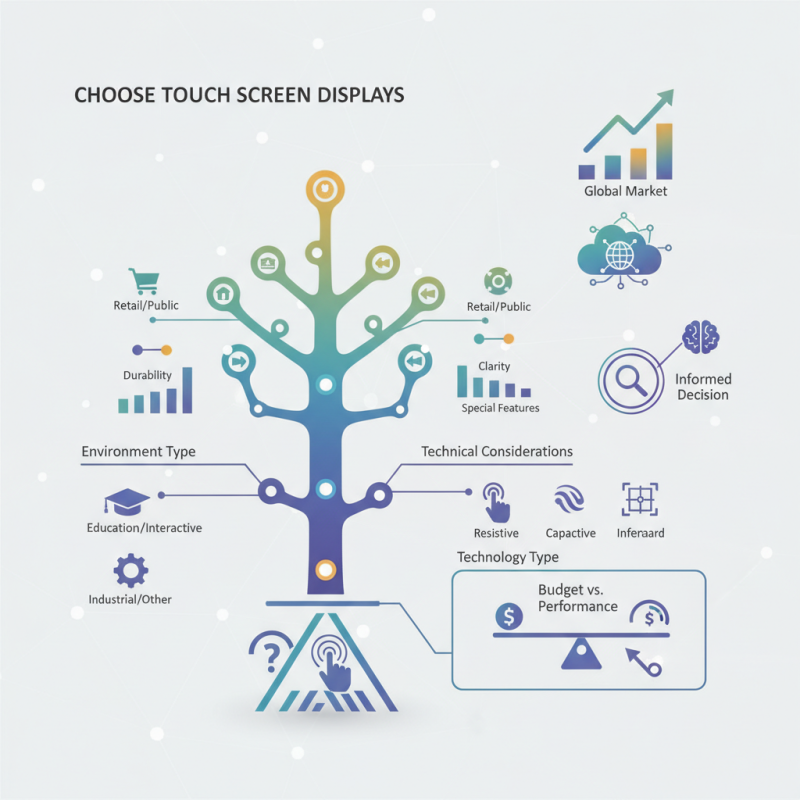
Understanding your specific needs is essential. For example, a retail environment may require durable displays that withstand heavy use. Meanwhile, an educational setting may prioritize clarity and interactive features. Still, selecting the perfect touch screen display is not without its challenges. Many consumers often face confusion regarding specifications and compatibility.
It's also important to consider that not all touch screen technologies suit every application. Some options may offer better responsiveness but are costlier. Balancing performance and budget becomes crucial. Evaluating various factors alongside professional insights will lead to a more informed decision, ensuring that the selected touch screen display meets your unique requirements.
Understanding Your Requirements for a Touch Screen Display
Choosing the right touch screen display begins with understanding your specific needs. Consider the size of the display. Are you using it for personal projects or in a business environment? Larger screens are great for collaboration, while smaller ones can fit tightly in limited spaces. Think about how often you will need to move the display. Portability could be crucial for events or presentations.
Next, evaluate the display's resolution and brightness. Higher resolution offers clearer visuals, but does your work demand it? A bright screen is essential in well-lit areas. Touch responsiveness is another key factor. Test the display if possible. Is it smooth and accurate? Pay attention to the feedback. It might not always meet your expectations. Lack of precision can hinder productivity.
Lastly, consider connectivity options. What devices will you connect? Check the compatibility with your existing technology. It can save you from future headaches. Reflect on your priorities. Sometimes, the perfect choice won’t exist. Balancing features with budget may lead to compromises. Embrace those imperfections and choose wisely.
Types of Touch Screen Technologies and Their Differences
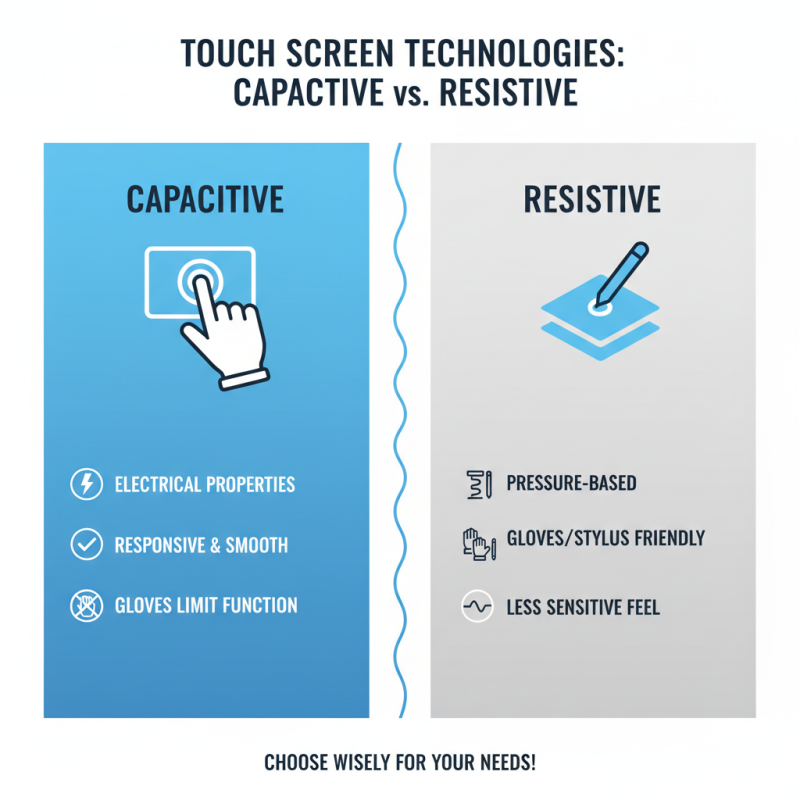
When choosing a touch screen display, understanding the different technologies is crucial. Capacitive and resistive screens are the two main types. Capacitive screens use the electrical properties of the human body to sense touch. They are more responsive but can struggle with gloved hands. Resistive screens, on the other hand, respond to pressure. They work well with gloves or styluses but can feel less sensitive.
In addition to these, there are also projected capacitive and surface acoustic wave technologies. Projected capacitive screens offer multi-touch capabilities but can be more expensive. Surface acoustic wave screens provide excellent clarity but may not perform well in direct sunlight. Each technology has its strengths and weaknesses.
Choosing the right display depends on your specific needs. Different environments may favor certain technologies over others. Reflecting on your usage scenarios can help clarify your choice. For example, if you need durability, a resistive touch screen might be ideal. If responsiveness is key, consider capacitive options.
Key Features to Consider When Selecting a Touch Screen
Choosing the right touch screen display requires careful thought. Not all displays are created equal. The resolution is crucial; a higher resolution provides clearer images. Consider where you will use it. Outdoor displays need brightness to combat sunlight, while indoor options focus more on color accuracy.
Touch sensitivity should match your needs. Some displays react better to light touches, which is vital for applications like drawing or gaming. Other screens provide robust touch responses for industrial environments. Size matters too. A larger display can enhance visibility but may take up more space. Think about the intended use.
Durability is often overlooked. Many touch screens are fragile and can break easily. Panels with toughened glass are better for heavy usage. Ask about the warranty—some may not cover accidental damage. Ultimately, understanding these factors will help you make a more informed choice. But be aware, sometimes even the best features may not represent what you truly need.
Assessing Compatibility with Your Existing Systems
When selecting a touch screen display, compatibility is crucial. Assess how well the display can integrate with your current setup. For instance, check the supporting operating systems. Different displays may work better with certain devices or software. This clarity will save time and reduce confusion.
Consider the connectivity options. USB, HDMI, or even wireless connections can impact performance. If your existing systems use older ports, ensure the new display can adapt. Sometimes, converters might be necessary, adding to the cost. It’s useful to verify if the touch functionality works across all platforms you intend to use.
Finally, think about the user experience. Not all touch screens respond the same way. Research sensitivity levels and accuracy. If the touch screen doesn’t align with your needs, frustration can occur. Testing before buying is often beneficial. Reflecting on your requirements now can prevent issues later. A thoughtful choice will enhance overall productivity, but some trial and error might be inevitable.
How to Choose the Right Touch Screen Display for Your Needs? - Assessing Compatibility with Your Existing Systems
| Dimension |
Option A |
Option B |
Option C |
| Display Size |
15.6 inches |
21.5 inches |
27 inches |
| Resolution |
1920 x 1080 |
1920 x 1080 |
2560 x 1440 |
| Touch Technology |
Capacitive |
Resistive |
Capacitive |
| Connectivity Options |
HDMI, USB |
VGA, USB |
HDMI, DisplayPort, USB |
| Operating System Compatibility |
Windows, Linux |
Windows |
Windows, macOS, Linux |
| Power Supply |
External Adapter |
Internal Power Supply |
External Adapter |
| Price Range |
$200 - $300 |
$250 - $400 |
$500 - $700 |
| Warranty |
1 Year |
2 Years |
3 Years |
Evaluating Budget and Cost Considerations for Touch Screens
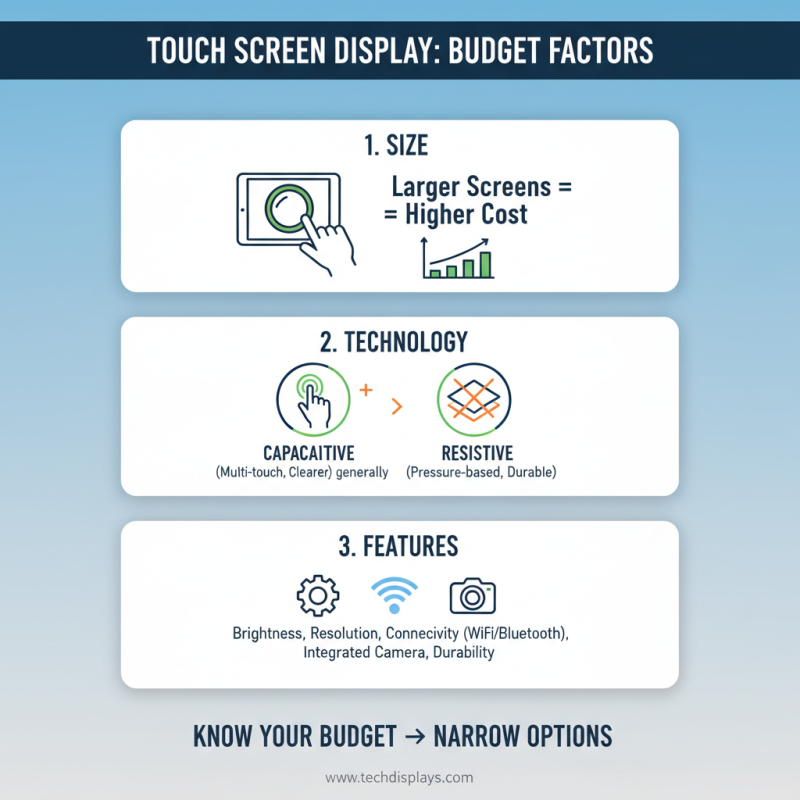
When selecting a touch screen display, budget is a critical factor. The cost varies based on size, features, and technology. For example, larger screens tend to be pricier. Touch technology like capacitive or resistive also impacts the price. Knowing your budget helps narrow down options effectively.
Tips: Determine how much you can spend. Watch for hidden costs like installation fees. Consider the total cost of ownership, not just the purchase price.
Think about where the display will be used. A high-end touchscreen may seem appealing for a retail space, but are you ready for that expense? Assessing your actual need can save money. Rent or lease options could also be beneficial.
Tips: Compare quotes from multiple suppliers. Don’t hesitate to negotiate; every dollar counts. Reflect on your long-term needs to avoid overspending. An informed decision today leads to better value tomorrow.