How to Choose the Best Touchscreen Monitor for Your Needs?
In recent years, the demand for touchscreen monitors has surged. Reports from industry experts indicate a projected annual growth rate of 8.5% for touchscreen technology by 2027. This growing interest stems from their versatility across various fields. Businesses, educational institutions, and home users are increasingly adopting these devices.
When choosing a touchscreen monitor, it’s essential to consider specific needs and usage scenarios. The right choice can enhance productivity and user experience. Factors like screen size, resolution, responsiveness, and additional features are crucial. According to a survey, 70% of users prefer monitors that offer high-definition displays and quick response times. These specifications significantly impact how effectively the device performs.
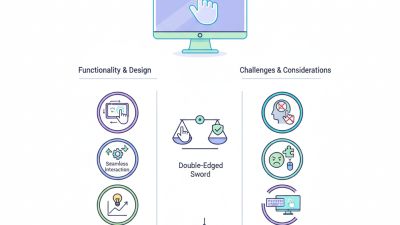
However, not all touchscreen monitors are created equal. Some may promise high performance but fail to deliver in everyday use. Conducting thorough research and reading reliable reviews can be beneficial. Users should weigh pros and cons carefully. Ultimately, understanding personal requirements will lead to a more informed decision when selecting the ideal touchscreen monitor.
Key Considerations for Selecting a Touchscreen Monitor: Size and Resolution
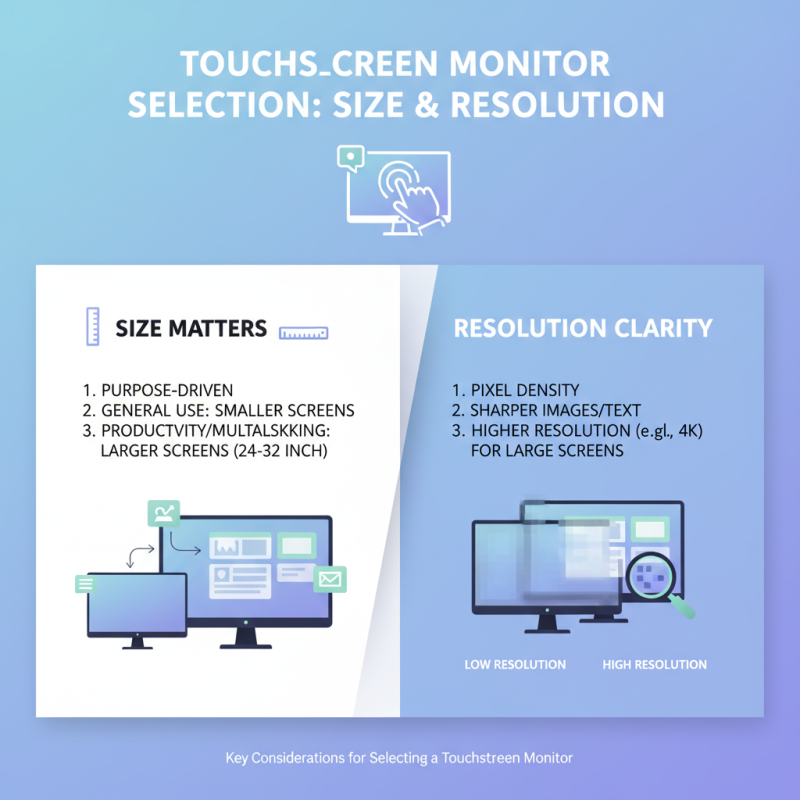
When selecting a touchscreen monitor, size and resolution play crucial roles. The monitor's purpose influences your choice significantly. For general use, a smaller screen is often adequate. However, larger displays enhance productivity, especially for multitasking. A 24 to 32-inch screen offers ample space for various applications.
Resolution is another vital factor. A higher resolution provides sharper images and text. For everyday tasks, a Full HD (1920x1080) resolution suffices. However, for graphic design or video editing, consider a 4K resolution for detailed visuals. Remember, higher resolutions require more powerful hardware.
**Tip:** Always consider your workspace. Ensure the monitor fits comfortably within your area.
Another crucial aspect is touch sensitivity. Some monitors have different layers of touch technology. This affects how responsive the screen is. A more responsive screen is ideal for creative tasks.
**Tip:** Test the monitor in person if possible. This helps gauge touch accuracy and comfort during use. A poor choice can hinder productivity.
Choosing the right touchscreen monitor involves balancing size and resolution. Pay attention to your specific needs. Reflect on how the monitor fits into your work habits.
Understanding Different Touchscreen Technologies: Capacitive vs. Resistive
When choosing a touchscreen monitor, understanding the technology is crucial.
Capacitive and resistive touchscreens are the two main types available.
Capacitive screens use electrical currents. They are known for their responsiveness and clarity. Most smartphones and tablets utilize this technology.
However, they may not work accurately with gloved hands or certain styluses.
On the other hand, resistive screens respond to pressure. This means that they work with any touch, including a finger, stylus, or even a pen.
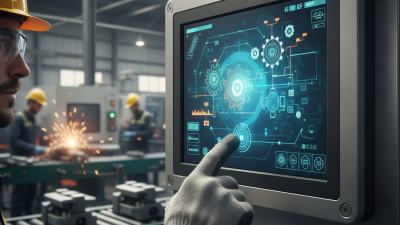
This makes them versatile for various settings. They are often found in public kiosks and industrial applications.
While resistive screens are generally less sensitive, they offer greater durability in harsh environments.
Both technologies have their advantages and drawbacks.
Capacitive screens provide better visual quality, but they can be more fragile.
Resistive screens are more rugged but may require more effort to operate.
Consider how you will use the monitor. Your needs will determine the better choice for you.
Reflecting on these aspects will guide you in making an informed decision.
Evaluating Touchscreen Monitor Features: Multi-Touch Support and Response Time
When choosing a touchscreen monitor, understanding multi-touch support is crucial. Multi-touch capability allows multiple fingers to interact with the screen simultaneously. This feature enhances the user experience, particularly for creative tasks or collaborative environments. For instance, designers often benefit from manipulating images with more than one finger, enabling intricate adjustments.
Response time is equally important. It measures how quickly a monitor can refresh its display after touch input. A responsive monitor ensures smooth performance, especially during fast-paced activities like gaming or engaging presentations. A delay can frustrate users and reduce productivity. While a response time under 10 milliseconds is ideal, many budget options may fall short.
Yet, it’s essential to recognize that features alone do not define usability. Some users may find themselves overwhelmed by too many options. The balance between essential features and user-friendliness shapes the overall experience. Take the time to evaluate your specific needs and consider how each feature impacts your workflow. A detailed investigation can help refine choices to find a suitable touchscreen monitor for your applications.
Assessing Connectivity Options: HDMI, USB-C, and Wireless Capabilities
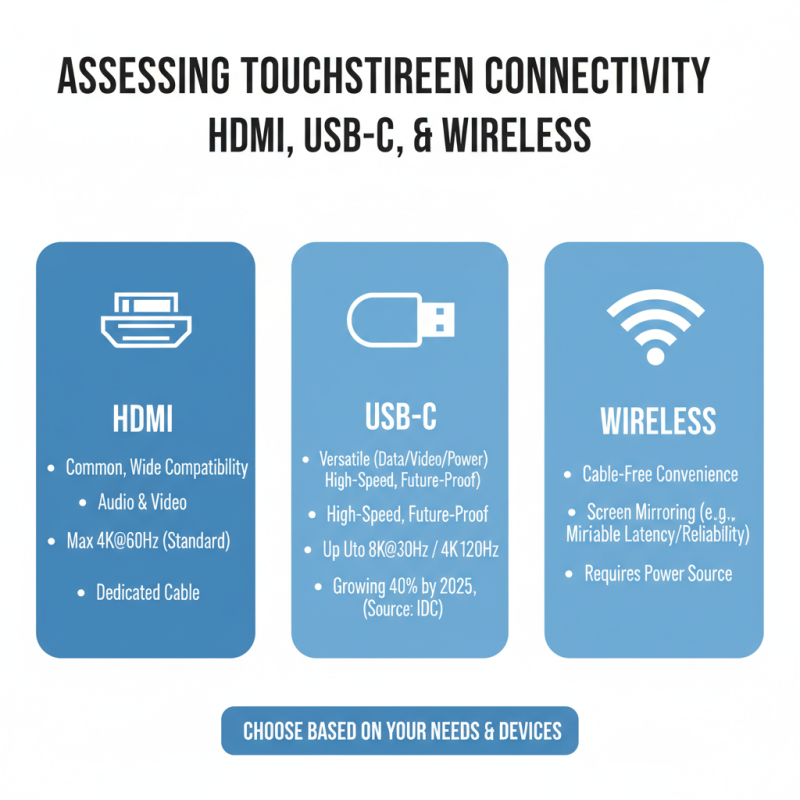
When selecting a touchscreen monitor, connectivity options are crucial. Many users overlook how connection types impact daily use. HDMI and USB-C are common ports. Both have distinct advantages. According to a report by IDC, USB-C connections are growing rapidly, with a projected increase of 40% in device compatibility by 2025. This evolution reflects a shift toward versatile, high-speed connections.
Wireless capabilities also play a significant role. Devices equipped with wireless streaming can create a cleaner workspace. A study by Gartner shows that 55% of professionals prefer cable-free environments. However, users may experience latency with wireless connections. This can hinder activities requiring precise control, such as graphic design or gaming.
It’s essential to assess your needs before deciding on connectivity. A touchscreen monitor with multiple HDMI ports offers flexibility. Meanwhile, those relying on fast data transfer should prioritize USB-C. Consider your workflow and how you interact with devices daily. Balancing these factors will improve overall productivity.
Analyzing Usage Scenarios: Commercial, Educational, and Personal Applications
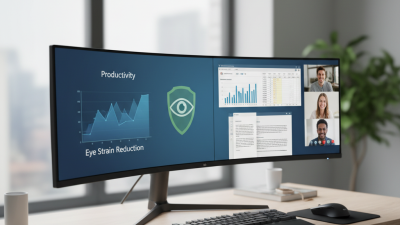
When selecting a touchscreen monitor, application plays a vital role. In commercial settings, a durable design is essential. Monitors need to withstand frequent use. Multi-touch capabilities enhance collaboration. Consider the brightness and clarity for vibrant presentations. Ease of integration with existing systems is also key.
In educational environments, touchscreens facilitate interactive learning. Teachers can engage students more effectively. Look for models with anti-glare surfaces. This reduces distractions from reflections. Compatibility with educational software can enhance the teaching experience. Some systems may not fully support this, leading to frustrations.
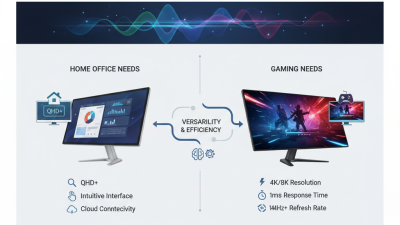
For personal applications, a touchscreen monitor offers convenience. You might want to use it for gaming or video streaming. A larger screen enhances immersion but consider the space you have. Touch responsiveness and resolution should match your intended use. Take time to evaluate these needs carefully. Not all monitors will provide the experience you're looking for. This decision can deeply impact your user satisfaction.
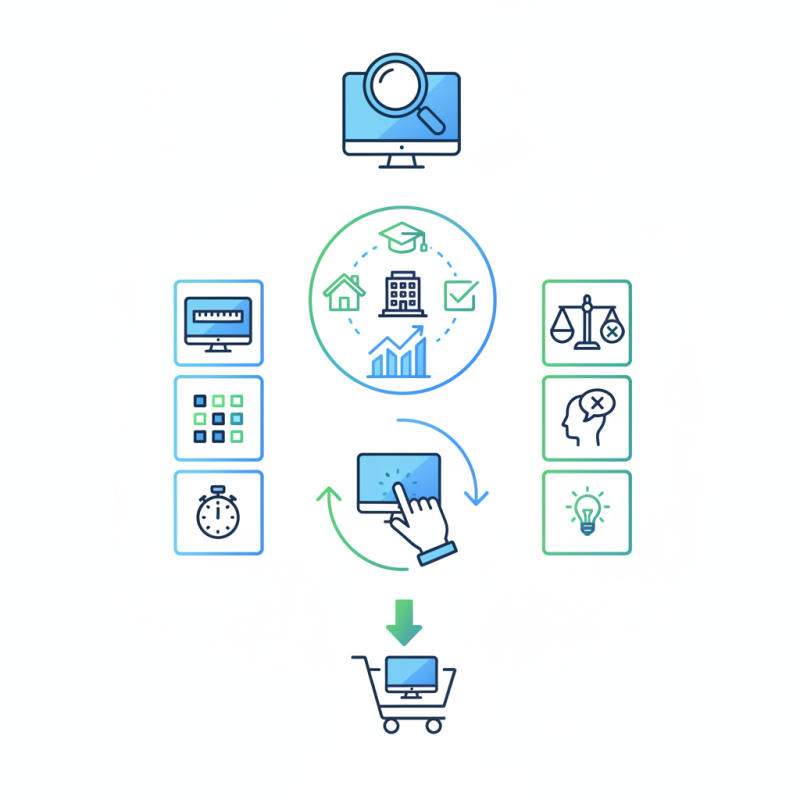
Touchscreen Monitor Usage Scenarios