2026 Best PC and Monitor Choices for Gamers and Professionals?
As gaming and professional work evolve, choosing the right PC and monitor becomes crucial. In 2026, gamers and professionals face a myriad of options. With technology racing forward, selecting the best configuration isn’t straightforward.
Imagine endless gaming sessions or busy workdays powered by the wrong setup. Factors like display resolution, refresh rates, and processing power matter. You might prefer a sleek design or prioritize functionality over aesthetics. With numerous brands launching new products, deciding can be overwhelming.
Perhaps you struggle with balancing performance and cost. High-end PCs can strain your budget. Monitors with advanced features often come at a premium. The choices can lead to confusion, and sometimes, decisions feel rushed. Take the time to reflect on your needs. Evaluate your priorities; they will guide your ultimate choice.
2026 Overview of PC and Monitor Requirements for Gamers and Professionals
In 2026, gamers and professionals face unique demands. Performance and visuals are critical. According to a recent industry report, nearly 80% of gamers prioritize graphics performance. High frame rates lead to better experiences. A monitor with a refresh rate over 144Hz is often recommended. For those engaged in graphic design, color accuracy is essential. A monitor supporting 100% sRGB coverage offers better results.
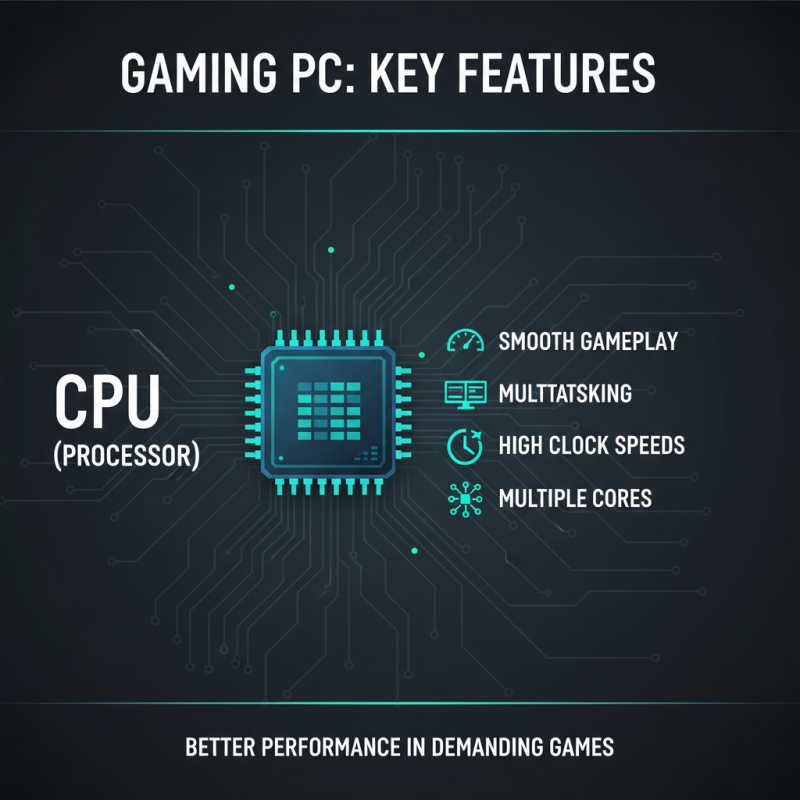
Processing power is another key factor. A multi-core CPU with a base clock above 3.5 GHz is advisable. This supports demanding applications smoothly. Meanwhile, the RAM requirement has shifted. At least 16GB is now a baseline. Recent surveys show that many professionals report performance drops with less.
Storage solutions also evolve. SSDs have become standard. They reduce load times significantly. However, the need for larger capacities grows. Many users now prefer a dual-drive setup. A mix of SSD and HDD can be cost-effective. Not everyone opts for the latest tech, often leading to compatibility issues with software. Consider your specific needs carefully.
Essential Specifications for Monitors: Refresh Rate, Resolution, and Size
When choosing a monitor for gaming or professional use, key specifications matter. The refresh rate is crucial. A higher refresh rate means smoother visuals and better gameplay. For gamers, a rate of at least 144Hz can enhance the experience. Professionals, especially in video editing, benefit from higher refresh rates as they allow for real-time editing feedback.
Resolution is another critical factor. Full HD (1920x1080) is standard, but 4K (3840x2160) offers stunning clarity. This can be essential for graphic design and gaming. However, 4K monitors can be demanding on hardware. Not everyone has the capability to run them smoothly.
Size also plays a role, impacting immersion and workspace. A larger screen, like 27 inches or more, can improve gameplay and productivity. Yet, fitting a large monitor into a small space can be tricky. The balance between size and space should be carefully considered. These specifications need reflection, as they influence both performance and comfort in daily tasks.
Top Recommended Gaming PCs for 2026: Performance and Value Analysis
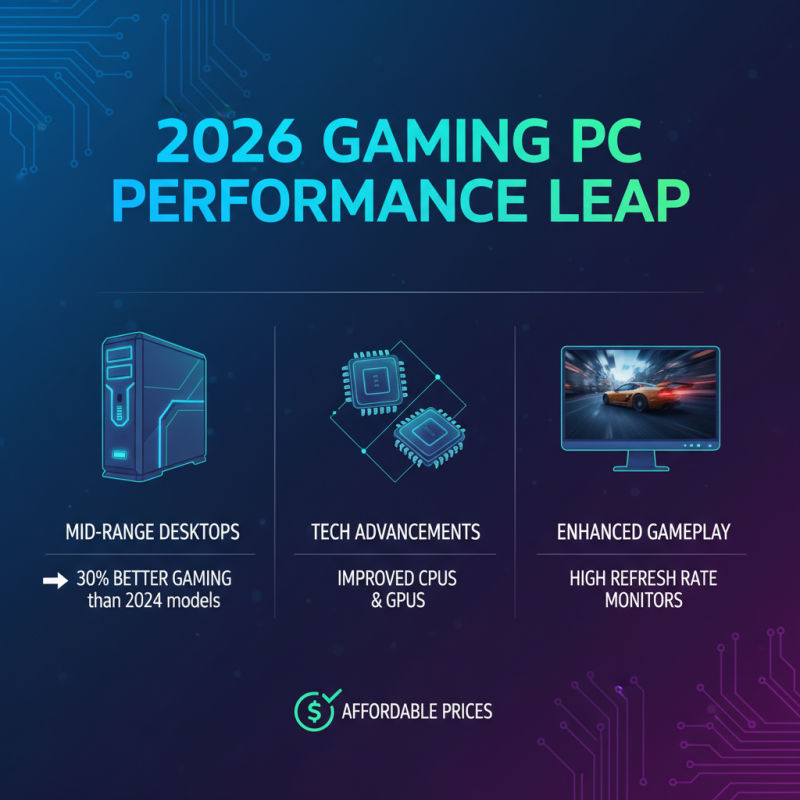
In 2026, gaming PCs offer exceptional performance while maintaining reasonable prices. A recent industry report shows that mid-range gaming desktops provide up to 30% better performance for gaming than those from two years ago. This leap stems from advancements in processors and GPUs. High refresh rate monitors enhance gameplay, making competitive gaming more enjoyable.
For professionals, workstation PCs that double as gaming rigs are gaining traction. 70% of users report increased productivity and creativity when using high-performance systems. Many models now effortlessly handle tasks such as video editing and graphic design alongside intensive gaming. However, some users may find the price-to-performance ratio not ideal for their needs.
While there are excellent gaming PCs available, some still have issues with thermal management. Overheating can lead to performance drops, hindering both gaming and professional tasks. Research indicates that investing in cooling solutions proves beneficial, yet not all users opt for them. The right balance between performance and thermal efficiency is crucial for maximizing potential.
Best Monitors for Professionals: Balancing Color Accuracy and Gaming Features
When selecting monitors for professional use, color accuracy is crucial. According to recent studies, monitors with an Adobe RGB coverage of at least 99% are preferred by graphic designers. This ensures that colors are displayed as intended. Many professionals also seek screens that cover 100% of the sRGB spectrum. This might seem standard, but achieving true color fidelity remains a challenge.
Gaming features should not be overlooked either. A smooth refresh rate and low response time are vital for gamers. Reports indicate that a refresh rate of 144Hz can significantly enhance the gaming experience. However, many monitors fall short in maintaining color accuracy at high refresh rates. This contradiction can lead to dissatisfaction among users who juggle both creative work and gaming.
Brightness levels also play a significant role. A monitor with a minimum brightness of 300 nits can improve visibility in bright environments. Yet, many professionals ignore this measurement. They often underestimate how glare affects their work. Balancing these factors can be tricky. It requires careful consideration of specific needs and usage scenarios.
2026 Best PC and Monitor Choices for Gamers and Professionals
| Monitor Model |
Screen Size |
Resolution |
Refresh Rate (Hz) |
Color Accuracy (%) |
Panel Type |
Gaming Features |
| Model A |
27" |
2560 x 1440 |
144 |
99% |
IPS |
G-Sync, HDR |
| Model B |
32" |
3840 x 2160 |
60 |
95% |
VA |
FreeSync, Flicker-Free |
| Model C |
24" |
1920 x 1080 |
240 |
100% |
TN |
1ms response, G-Sync |
| Model D |
30" |
3440 x 1440 |
120 |
98% |
IPS |
Curved, HDR, FreeSync |